
Question: My email isn’t working and I can’t view my website from my home wifi connection that I use for my business.
Answer: RE the router / your wifi connection, I think (and I’ve had this with another client in Lichfield who is delightfully farm based). Is when you are based more rurally, the wifi actually runs on a partly mobile signal network (the IP address which gave the really long number…) instead of using the fibre wires in the ground and copper phone exchange like we have in the city areas (I’ll admit I don’t know exactly how each element works!).
These then ‘mobile ip addresses’ / signal can become ‘blacklisted’ against the server (my server) because someone somewhere has tried to get them involved with a hack or similar and the server doesn’t want to receive traffic from them. So does you a favour quite oddly to what your needs are for which is viewing your website. This is also why 4G or a connection from laptop via hotspot will always work.
“As the IP address (IPv4) is used by multiple websites in shared hosting, the actions of one website may affect the reputation of the other sites on the server as well. This is more common when an IP address is blacklisted for sending SPAM emails. Blacklisting one site on the shared server may potentially block all the sites using the shared IPv4 address for their communication needs.”
IP addresses also change every 6 weeks so you will even find that once the block is taken off (using the IPv4) that you sent over, the website will become blocked again after 6 weeks.
If you experience a Blocked (or suspected) IP Address…
Please Google Search “What it my IP address”… You can them note down the very top number which appears in your Google Search. No need to click on anything else.
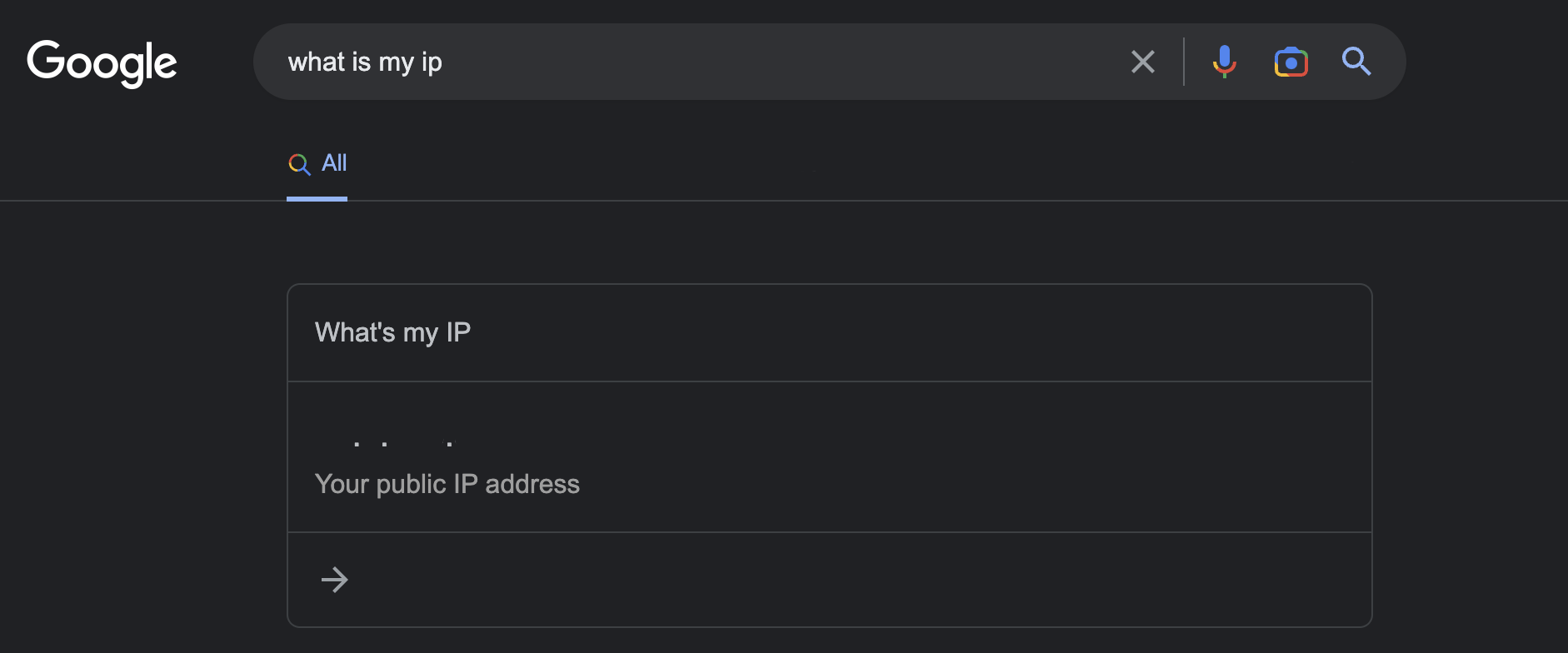
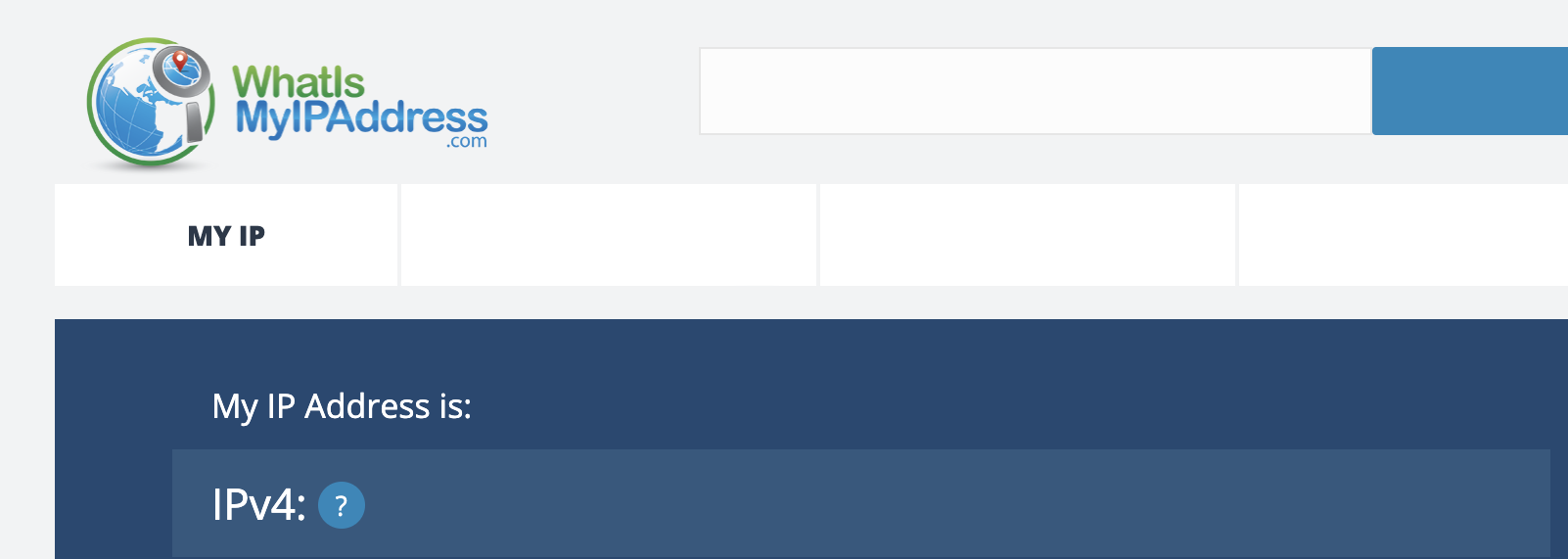
However… If the number is a very long number and doesn’t have any full stops in the middle of it, then we need the IPv4. So please go to this website, and note down the IPv4 address which comes up. You should be able to see that this address now has the full stops in. Interestingly you can also see where your “exchange” is for your internet and it’s not always local!
Port Access and Shared Hosting Blocking
This can also be an issue… “In a shared hosting environment, where everyone shares the same IP, some ports must be blocked. We block access to certain ports to help avoid having security holes in the firewall and to allow us to monitor and control customers who attempt to abuse the different services that we allow to run through these ports. The majority of processes requiring specific Port Access are typically bound to the IP address they are running on.
On a shared IP, only one service could run through a specific port from that IP. We have only opened the ports for processes running on our servers (webmail, cPanel, etc.). Purchasing a dedicated IP will allow us to grant you access to the ports you need to run your specific services. This applies to both outbound and inbound connections running on non-standard ports.”
I used to offer email addresses as a FREE part of website hosting and sometimes they are great. BUT “If emailing is vital to your organisation, then you can also use a third-party mail hosting service (Google Workspace or Office 365) to send communications through a different IP address than what you are using for hosting your website. This will ensure that your reputation is not affected by the actions of another website using the shared IPv4 address.”
There are costs involved with the above but this is natural to the progression of your business and it’s reputation / branding of using your domain to email from and into. As a final note I do have a dedicated IP address for hosting so these things shouldn’t happen and I do offer SSL Certificates as a security level for your website which I’ve written about before.