

In accordance with the EU Web Accessibility Directive, all public service websites are required to be accessible to people with disabilities and have an accessibility statement outlining what has been done to ensure everyone can access online content and indicating any content that is not accessible.
According to the CDC (America…), one in four Americans experience some form of disability.
Many members of this group use the web differently than how you might imagine your typical site visitor. For example, they may employ screen readers, require sufficient colour contrast between page elements, and/or rely on additional visual cues for page navigation.”
Here’s another stat: 40% of the web uses WordPress as its CMS, meaning millions of users with disabilities interact with these sites every day. When that WordPress site happens to be yours, have you made the necessary accommodations? In other words, is your website accessible?
Web accessibility requires time and dedication to get right, but it should still be a priority. There’s a lot to consider in the process, so consider installing a WordPress plugin to help you (please see below for one that I’ve been using recently).
While no WordPress plugin can fix all accessibility issues – and be wary of any plugin that claims to – these tools can help identify such issues, then correct them or give guidance for correcting them.
Website Accessibility is not a WordPress (Divi) feature.
Web developers often say that “accessibility is not a feature.” Wait, does this mean accessibility isn’t important? Actually, quite the opposite. It means that accessibility shouldn’t be an afterthought, tacked onto the end of a project — it must be addressed throughout the process of designing, building, and maintaining a website. So, in addition to a handy plugin (See below), you must bring empathy and understanding to your accessibility initiatives. The earlier you consider web accessibility in your site, the easier it will be to develop a product that provides equal access for everyone.
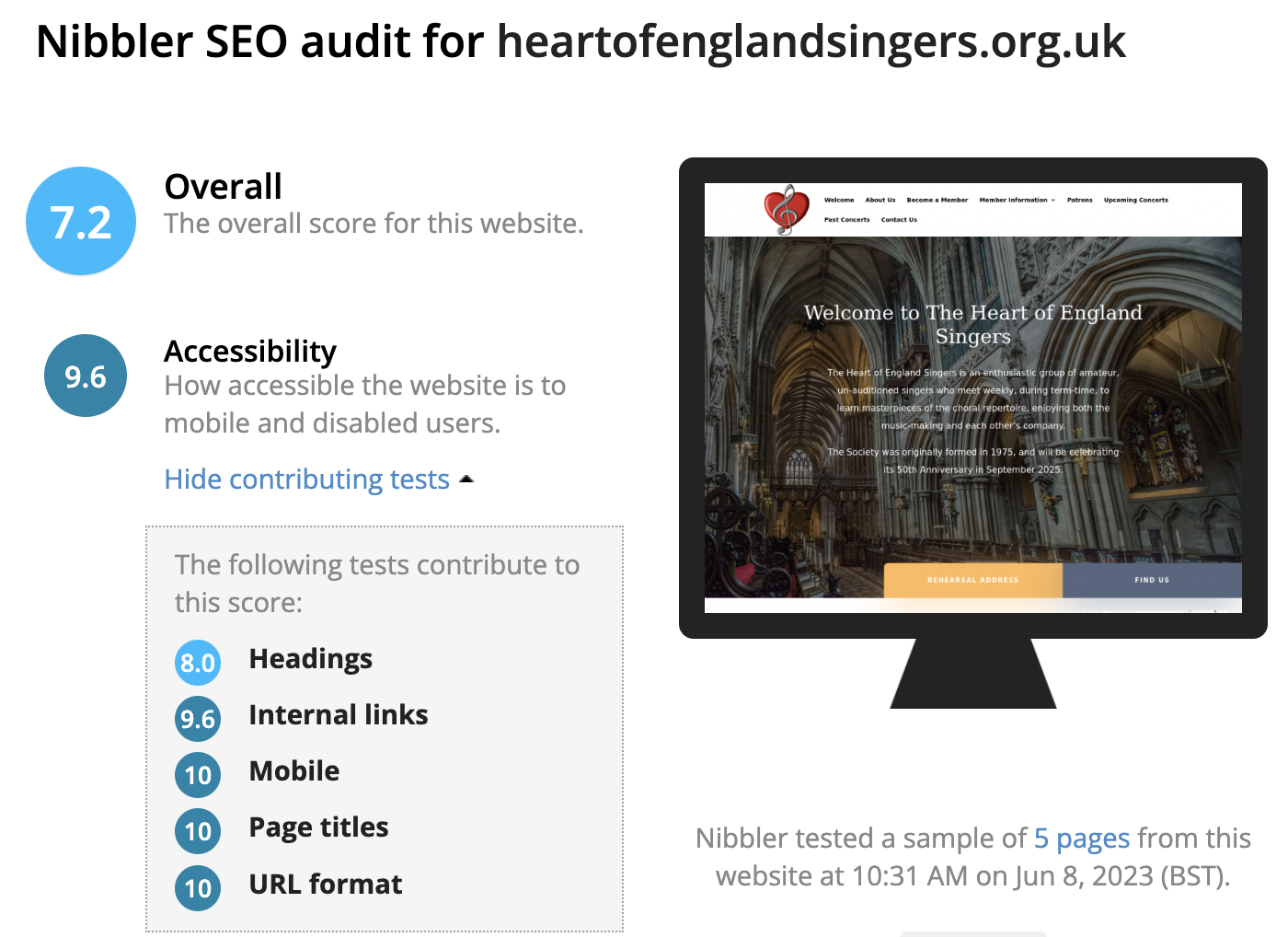
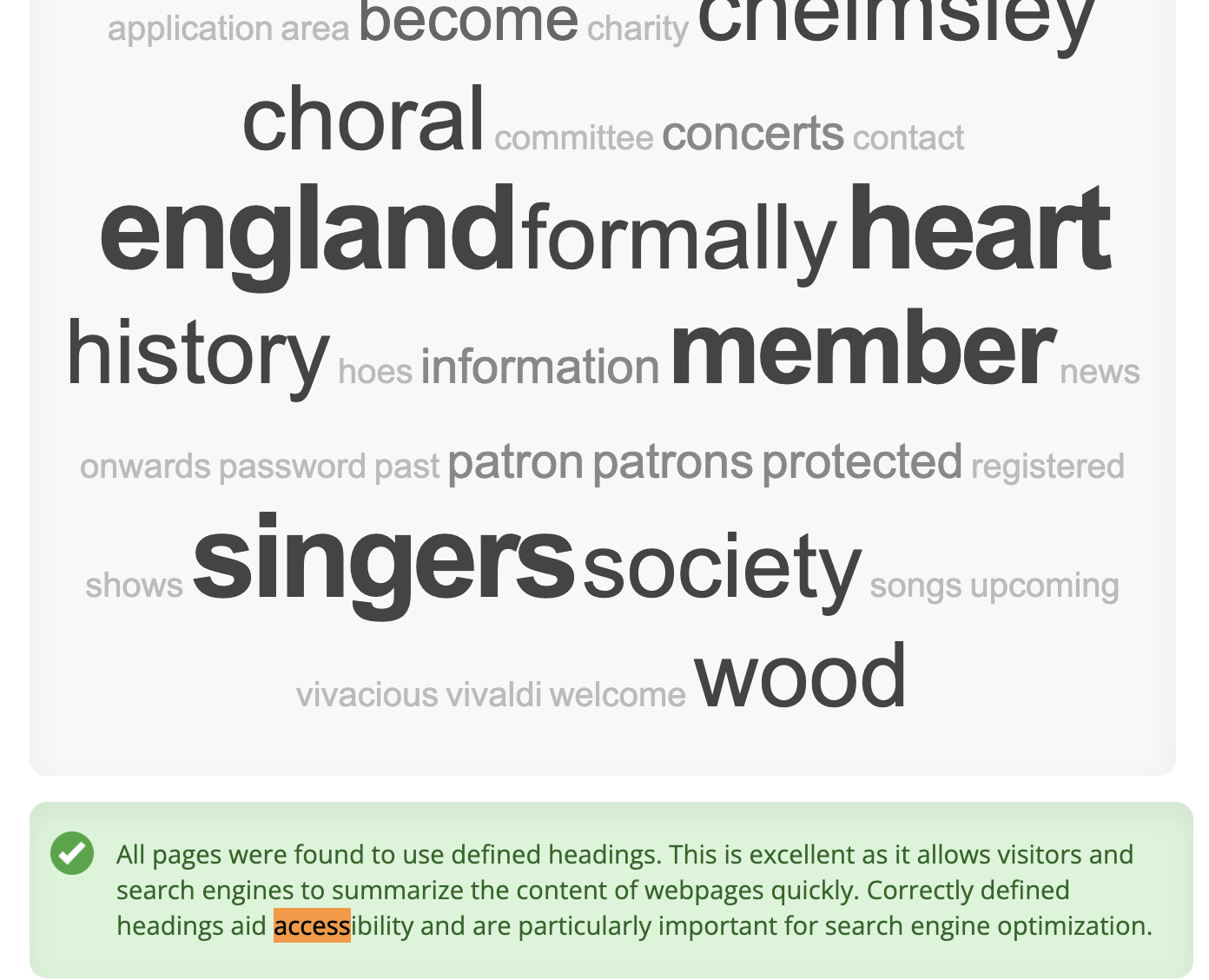
You can test your website for Accessibility here with Nibbler. There are a few screens which are useful and will give you a good starting point for fixing any problems.
I’ve found that the WP ADA Compliance Check Basic (WordPress Plugin) is really useful…
While some Accessibility plugins modify your website to fulfil accessibility criteria, this FREE plugin doesn’t change your site.
Rather, it scans your website for accessibility problems and generates reports with instructions to address them.
Specifically, it checks for violations of Section 508 and the WCAG 2.1 LEVEL A/AA Web Accessibility Standards.
WP ADA Compliance Check Basic can evaluate content as it is published, so you can scan your entire website at once.
For free, you’re limited to 25 posts or pages (which should be enough), and the plugin won’t scan theme files (Divi) so that’s a separate issue. The paid version of the plugin removes these limits and also makes some automatic improvements to your website.