

I just tried to look at / log into my website and it’s giving a ‘deceptive website’ warning. Is that anything I should worry about? Thank you for letting me know… What has happened is a very rare occurrence and a combination of random things. Let’s come up with a solution going forwards. I think the hack happened in January. Yours is the 4th site of my hosting that I know it’s happened to.
I found that sites that are / were rarely used and once had the ThemesTrust themes (you had Gather) on them seem to have been affected. From the above 2 of these. 1 I’ve moved the website onto a new domain name. 1 I’ve rebuild completely on a new domain name and the 3rd one is a holding for an email account that my client is getting rid of. The one I moved (number 1) I was able to salvage a back up of the site to move it but that was months ago and I managed to get a January version.
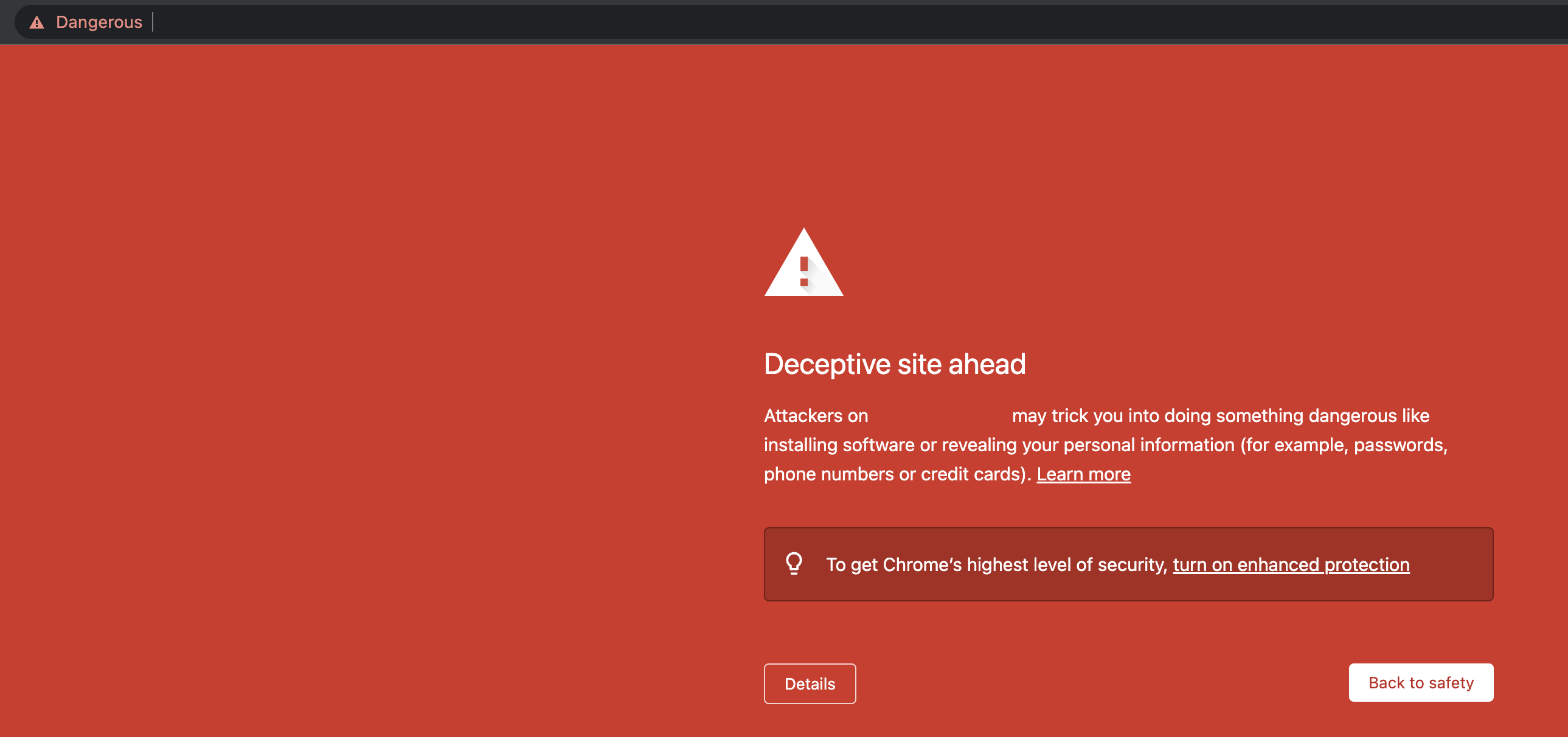
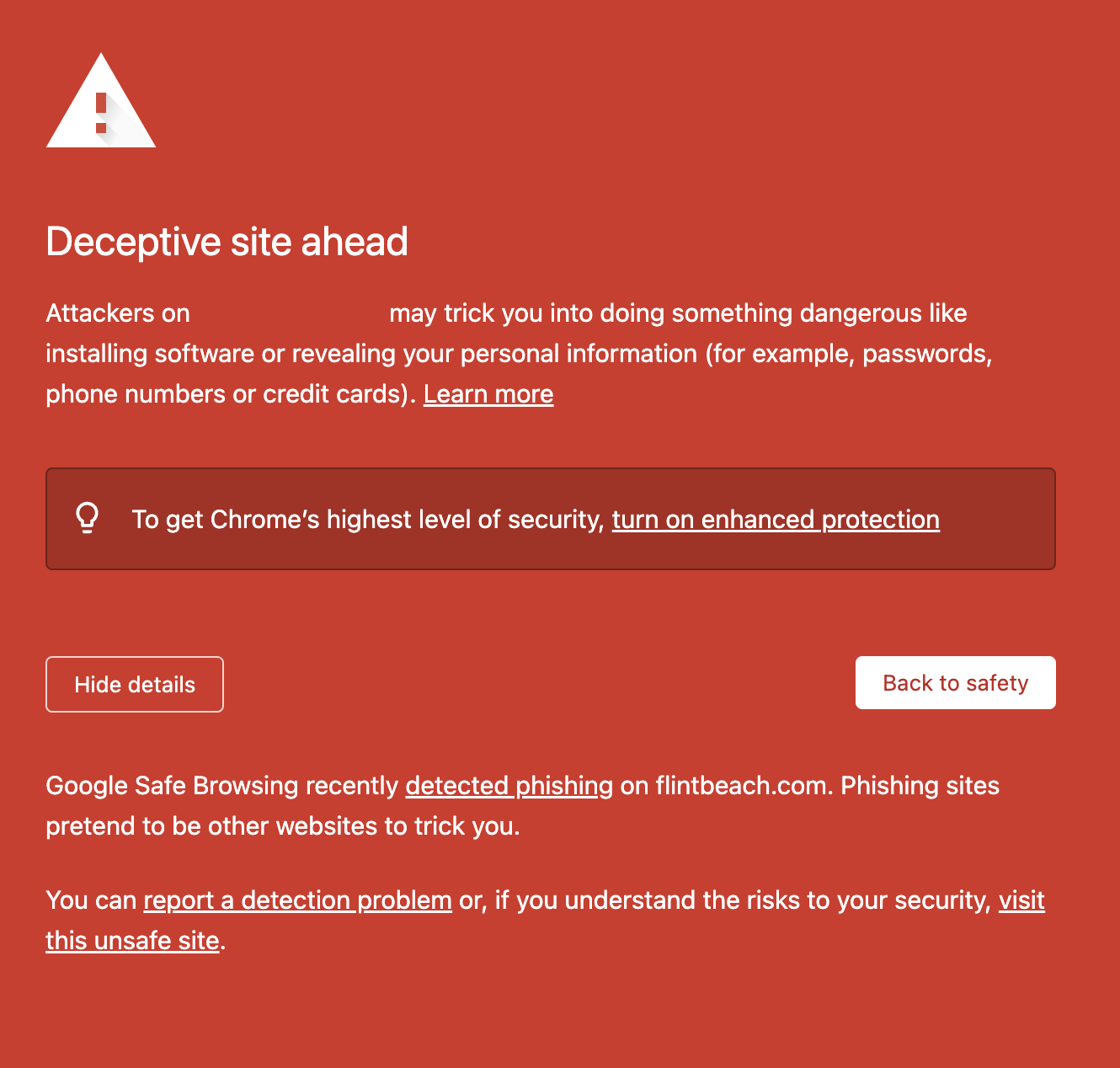
I’ve reported the Phishing warnings but it doesn’t do anything. I’ve also had my host report them from another computer / IP address and this does nothing either. I think this screen looks really dodgy too! Tsk Google.
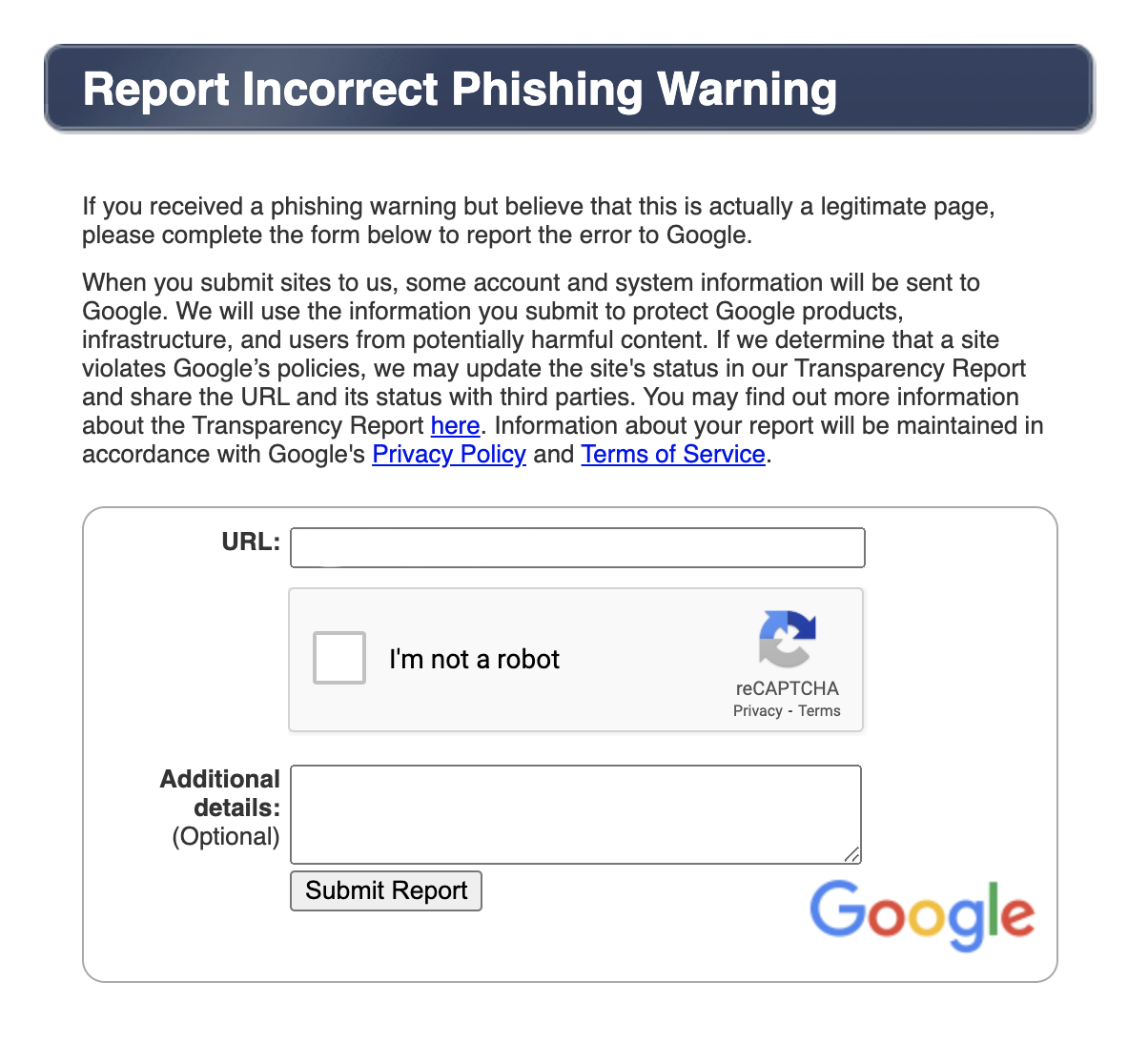
Google Phishing Screen Register Safe Site
Though nothing is identified on their website or the public forums that I’ve checked, I think this company is the issue (not pointing fingers). I use Divi and take steps everyday to make sure that things like this don’t happen. Safe browsing advisory from Google here – This is what comes up when I ask the Google screen about the problem.
I didn’t receive any hacking / website warnings unfortunately and I’ve complained to my own host for letting this happen to my client’s sites. I’m looking at moving to keep us all safe. Things are slightly better with client’s paying the monthly maintenance with me for my checking of their sites (on top of hosting) but I know your site was being developed and you were looking at the long run.
As a sidebar I was also dealing with a hack from WordPress where all of the Admin usernames suddenly stopped working (and I couldn’t log into anyone’s websites!). So I had to go onto the back end for WordPress access and set up complete new ones. These things have happened at the same time but I don’t think are in common as that was the Divi sites and we’ve known for a while that this is a risk but I had the log in screens hidden behind a different domain. It’s been a bit of a nightmare couple of months in the world of website hosting if I’m honest!
…
Q&A from the client…
You’re saying the whole thing has been lost? Yes it is lost unfortunately, the February back up didn’t go far enough. I think a back up from January would have been enough.
Does that mean my posts and images have been taken by someone? No they haven’t, they are just lost unfortunately and I’m so glad that you have them.
What does a hack actually mean? I’ve tried to explain above and there are many factors. This is more like an old software (Themes Trust) which was the theme / and the seldom use of the site which has been hacked (just the site blanked out from what I saw and a countdown clock appeared!! With some water in the background for a moment!) and then Google took the sites down by saying that there was a deceptive warning and turning the site to red (which I think you saw).
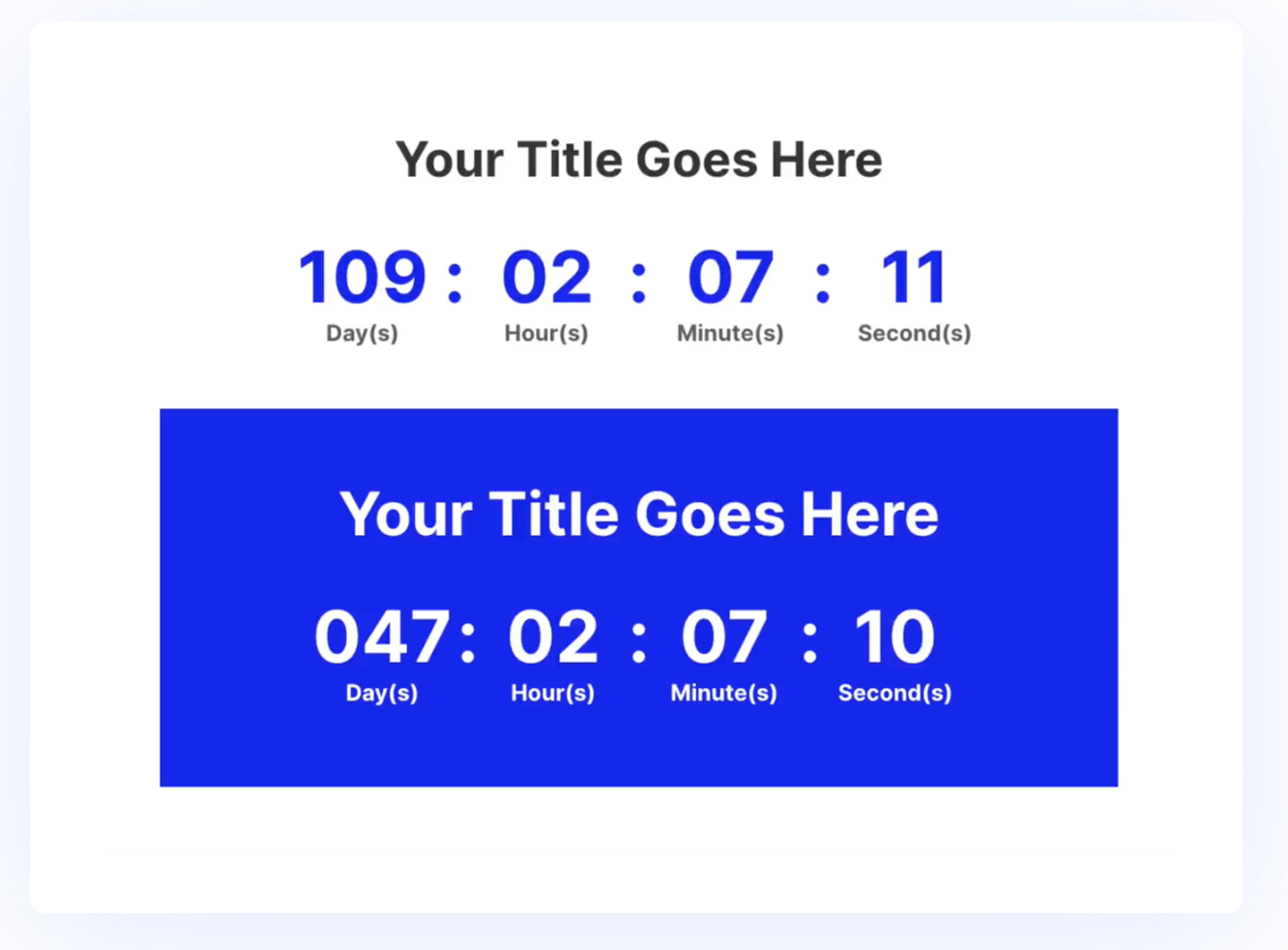
Example of a countdown clock
Was it my one in particular that was targeted? No, there were about 4 and see above, I’ve checked the rest of the sites now.
Can any of my personal data be used or the things that I wrote? No.
What do you mean by blacklist of your domain name? I think we need to get this associated with a brand new WordPress install. I’m worried the longer we leave it on the red screen Google won’t like it once it’s back up (we need to sever that link). This stuff is very strange and the odd hack file can get caught up behind the scenes and cause problems if that makes sense.
I have all posts and photos stored separately. I’m so glad about this. I’ve also deleted the old Gather theme from the server as to not make anything worse. What I propose we do is delete your hosting account completely. Then I will create a new address behind my own with a fresh WordPress install and you can build on there. You can take your time with this and then when you are ready to launch we can use your domain name again and it’s all clean. Use that testing site as your website, but please keep renewing your domain name(s).
What does decommission the site mean? I’ve explained above but I can get into the ‘back end’ and see the server files and WordPress install (files) but I can’t do much more. I can’t see the site for example. It’s just a list of file names.