
This great hidden ‘sparkle’ feature is amazing for identifying Flowers, Plants, Landmarks and Animal (breeds) with your iPhone. Thanks to Siri, your iPhone can easily identify a surprising amount of plants and flowers that you point the camera to and snap a picture of. You’ll need data switched on for the searches and be able to access your Camera Roll to view the photos.
I’ve popped a couple of images below to give you a run down of how it works on the iPhone.

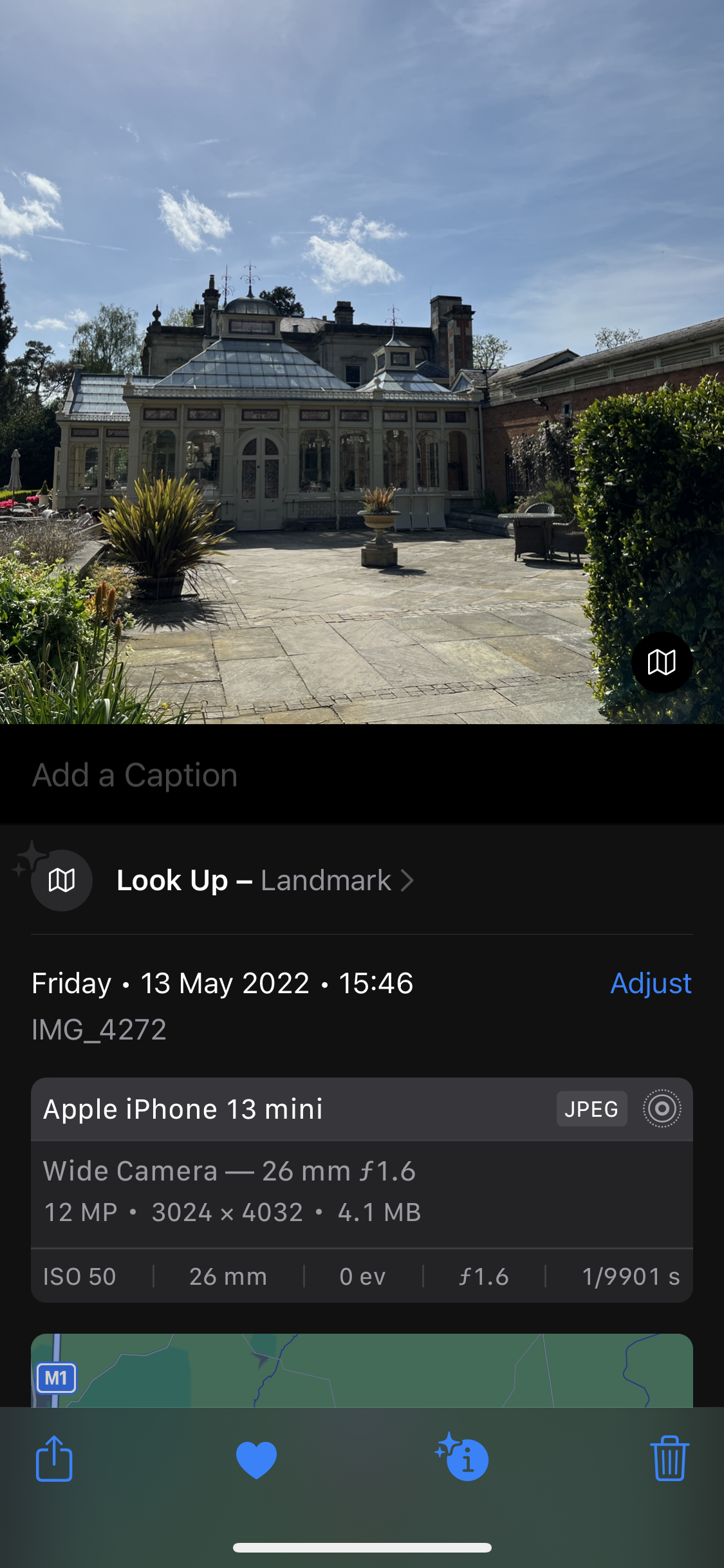
Snap a photo on your iPhone of your chosen subject and take a look at it in your Camera Roll – You should see an ‘i’ with some stars next to it. It will only work if the stars are “activated” otherwise Siri doesn’t know about this item. I’ve had a couple of instances where I’ve been too far away from a subject for it to recognise.
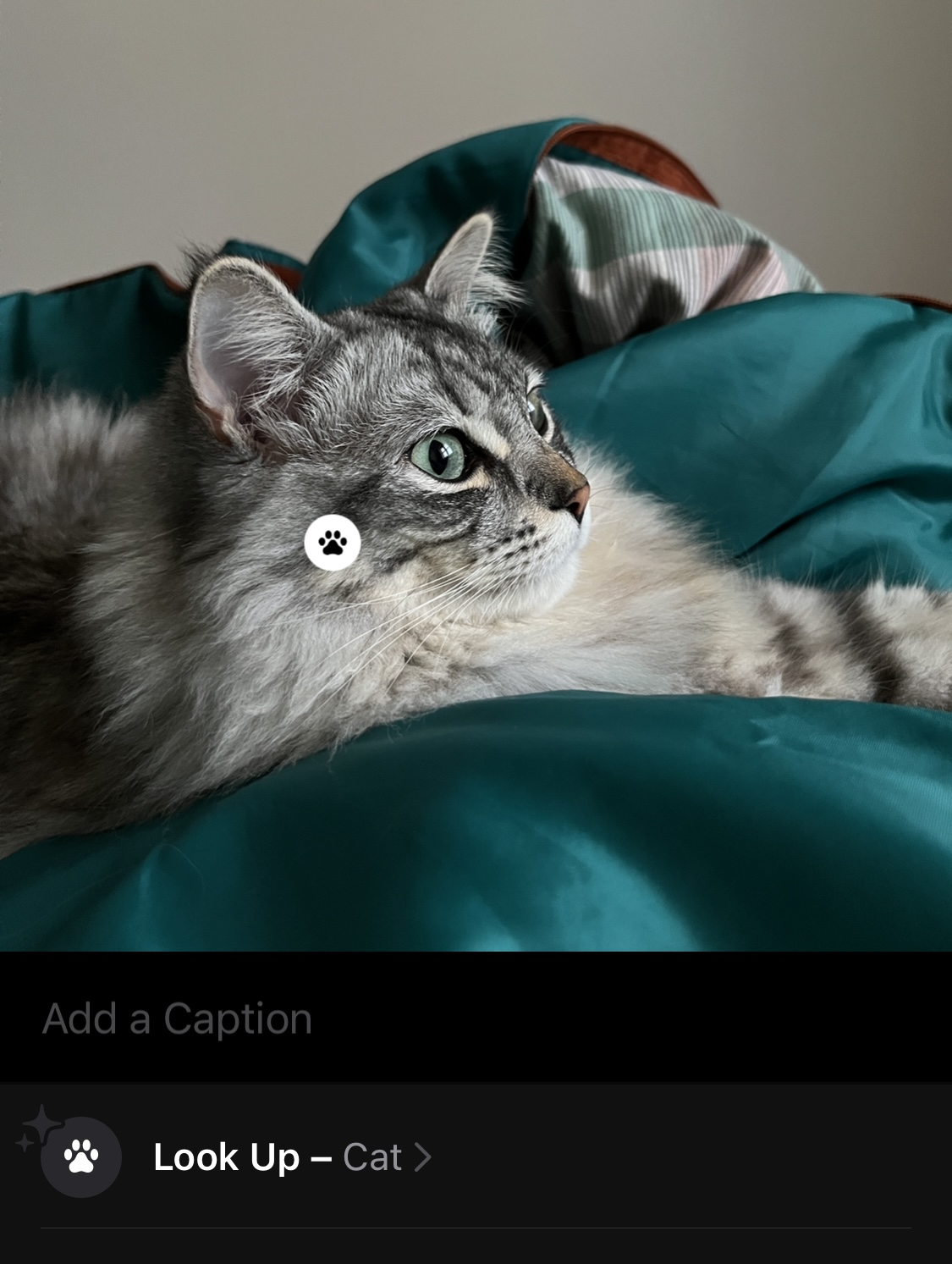
Once you’ve tapped on the ‘i’ ‘sparkle’ you will see the subject matter of your photo under ‘look up’. You can then tap on this and the results will load.

Siri will make it’s best guess as to what it is (my cat isn’t either of those breeds!) Lol. You can tap on each result for more information. These are quite informative.
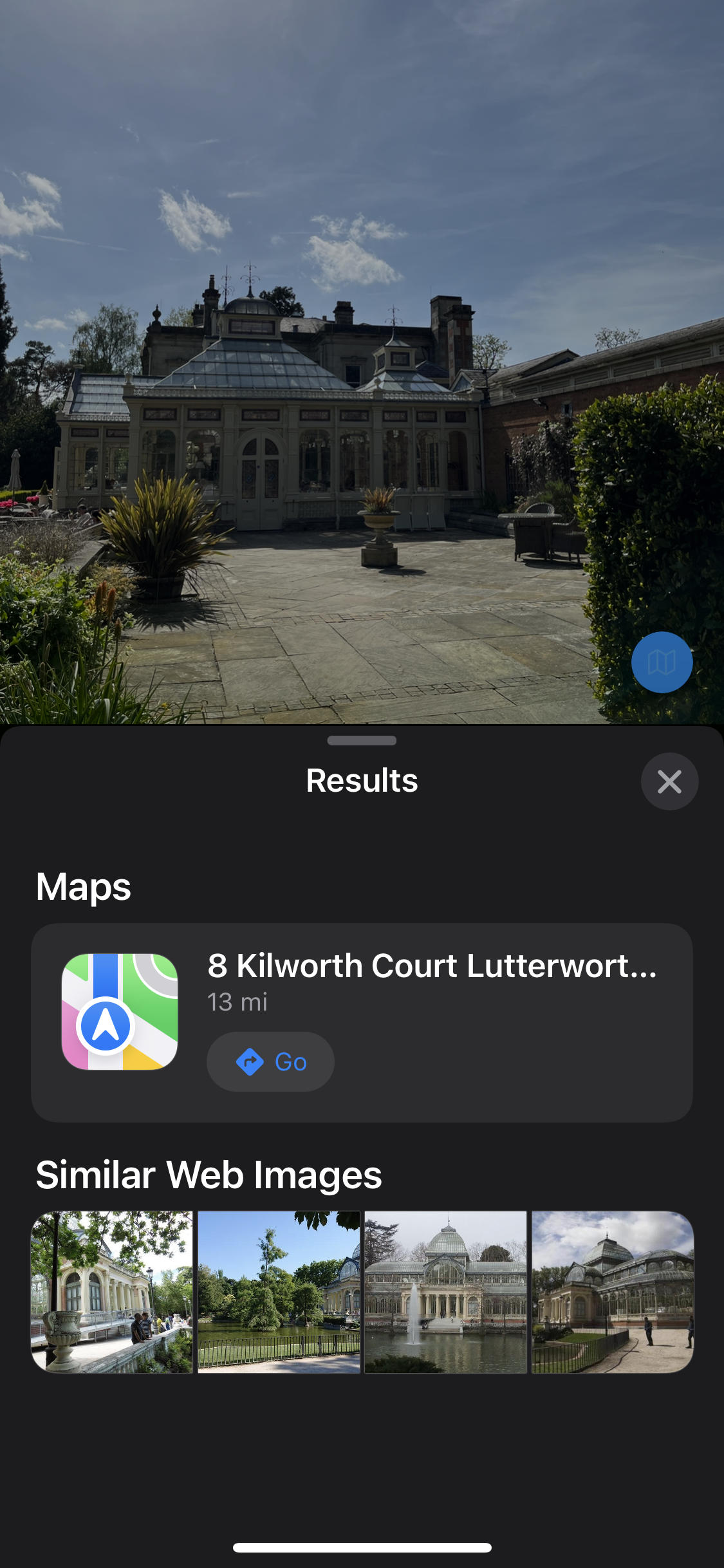
You can do the same with places of interest too! There’s some talk between your phone to the GPS which goes into this I believe and Siri will then pull. more information from the Web for you to look at.

And flowers… How beautiful are these at my client’s new Studio! I’m hopeless with things like this – So now I can support my client better!

The detection “algorithm” is fabulous and in testing I was able to accurately identify many common plants and trees (I’ve taken this on a few walks!). A few more flowers / grasses / plants were not successful, but like many things I’m sure that will improve over time too as more data is processed (or we will find another way once the novelty wears off) and inputted on the back-end of the image detection and object recognition machine learning engine. Siri is watching! Though it means I may also have a different breed of cat than I thought! Who knew?!