
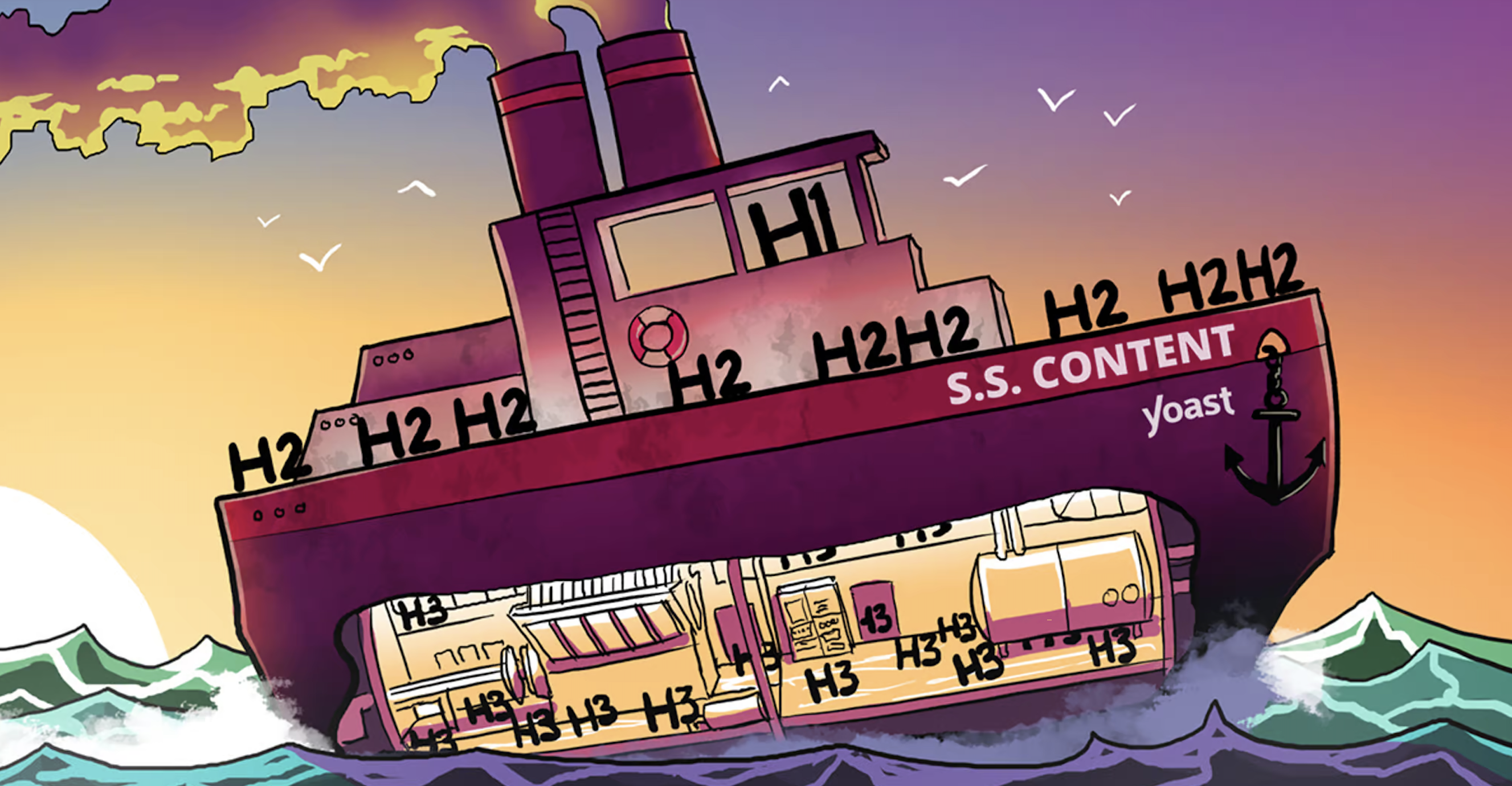
The title of your post or page usually gets the SEO Title Tag. It’s only logical to give your post one title, right? Having more than one H1 is like saying: “Hey, this text is about two topics of equal importance.” Yoast SEO warns you with a red traffic light if you use more than one H1 heading. Here, I’ll explain why your post or page only needs one H1 heading.
Heading structure and SEO
In many CMSs (Content Managed Systems) like WordPress, headings are ordered in ranks (or levels). The highest rank is H1, the title of your post or page. In the rest of the text, you use H2 – H6 headings. With them, you indicate the importance of each section and how it relates to the rest of the text. So, when a reader lands on your page, the headings help them make sense of the content. It helps readers to scan the text and learn how it fits together. It helps Google and also gives your post structure – Usually the order of the Header Tags is top to bottom in numerical order.
Search engines also “read” headings and try to understand the structure of your text. Instead of the regular text you and I read, they go to the HTML version of your site and read the HTML heading tags FIRST. The headings help them comprehend the relative importance of your text’s (sub)topic. Then they read the body text.
One or multiple H1s?
As mentioned above, the H1 is the title of your post (not to be confused with the SEO title tag). I would suggest using the H1 heading only once. I believe that’s the best choice because:
Headings help readers and Google understand your text. If there are multiple H1 headings, your readers and Google might get confused. People might get confused, distracted, or even frustrated when there’s no clear distinction between main and subtopics. As a result, they may leave your site.
Proper use of headings makes your text more accessible. Think of visually impaired people who use screen readers. These devices can use headings to navigate through your text. More than one H1 in one article complicates this, and without visual cues, it might confuse people even more.
Of course, using the other headings as much as you need is perfectly acceptable. Still, you should keep in mind that headings are hierarchical. For example, you should use H2 before you use H3 within a particular topic.
Plus you don’t want to cheat by using the wrong ones or look plain clueless.
Using headings in the right way helps your SEO. What you learned from this post is quite simple. An H1 heading is the title of your post (Most important topic). You don’t want double or triple titles, so use the H1 heading only once.